
creator guide
Marklet Creator Guide
This page explains the creative requirements for an agreed Marklet collaboration; the creator’s signed or platform agreement controls commercial terms.
The message to communicate
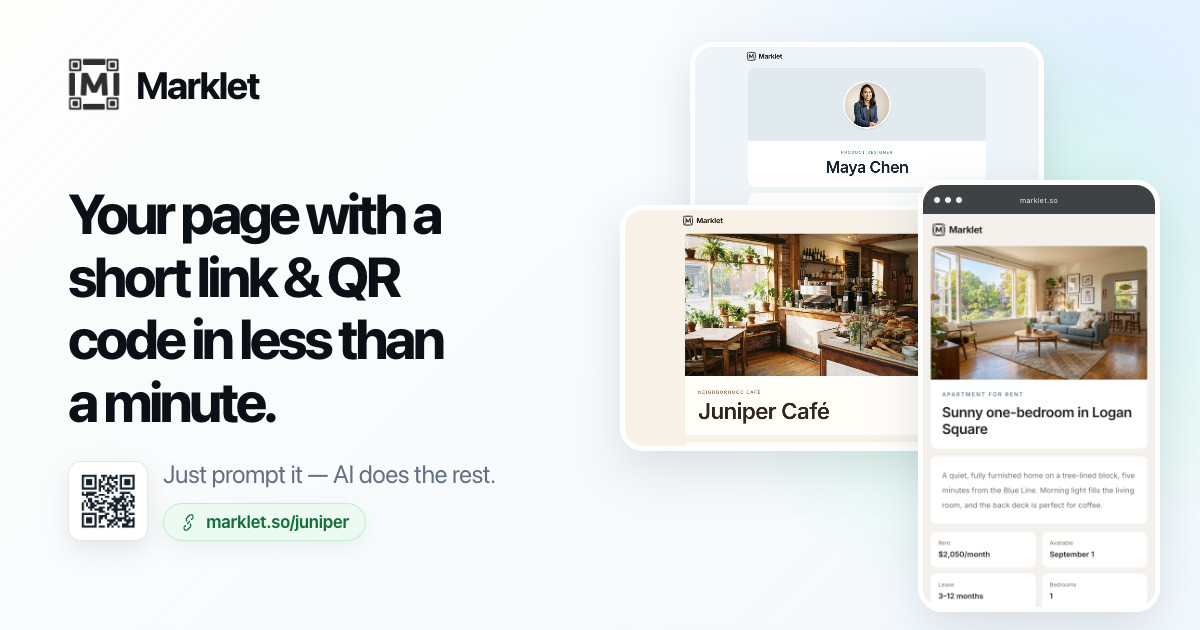
Marklet creates a polished mobile page, short link, and QR code in less than a minute. Describe what you need in ordinary language and refine the page with prompts. You can dictate a prompt instead of typing. You can also take or upload a photo of a list, menu, handwritten note, printed information, or similar content and ask Marklet to turn the information in that photo into a page. No developer or designer is needed.
Marklet is completely free to use — no payment is ever required.
Content requirements
• Follow the agreed campaign deliverable. • Use vertical 9:16 for short-form video; there is no fixed maximum length—use the time needed to demonstrate the workflow clearly unless the campaign agreement specifies a duration. • Place a clear hook in the first 3 seconds. • Show a real Marklet creation flow and the finished page. • Mention dictation or visibly use it, preferably on screen. • Showcase photo-to-page by taking or uploading a clear photo with useful information, asking Marklet to turn it into a page, and showing the result. • Use natural voice-over and readable burned-in subtitles. • Clearly show or say marklet.so. • Keep every claim accurate and in the creator’s own voice.
Suggested story
- 1Problem / hookbegin with a relatable need for a quick, useful page.
- 2Completely freesay near the beginning: “Marklet is completely free to use — no payment is ever required.”
- 3Dictate or promptdescribe the page and mention dictation or demonstrate it on screen.
- 4Photo-to-pagephotograph or upload a list, menu, note, or other useful information and ask Marklet to turn it into a page.
- 5Generateshow Marklet read the information and generate the page.
- 6Refinemake one useful change with a follow-up prompt.
- 7Resultshow the finished mobile page, short link, and QR code.
- 8CTAinvite viewers to visit marklet.so.
Do / Don’t
• Disclose sponsorship according to platform rules. • Protect personal and customer data. • Use the current live product. • Do not call Marklet a “free trial” or say “start for free,” because those phrases incorrectly suggest payment may be required later. • Do not promise unconfirmed features, prices, future plans, guaranteed traffic, or search rankings. • Do not show competitor logos or copyrighted material without permission.
Review and delivery
Send the first draft in the same campaign or message channel before publishing. Do not publish until the draft is approved. Include readable subtitles and final audio. After publishing, send the live URL and the performance screenshots or statistics requested in the agreement. Keep the post live for the agreed period.